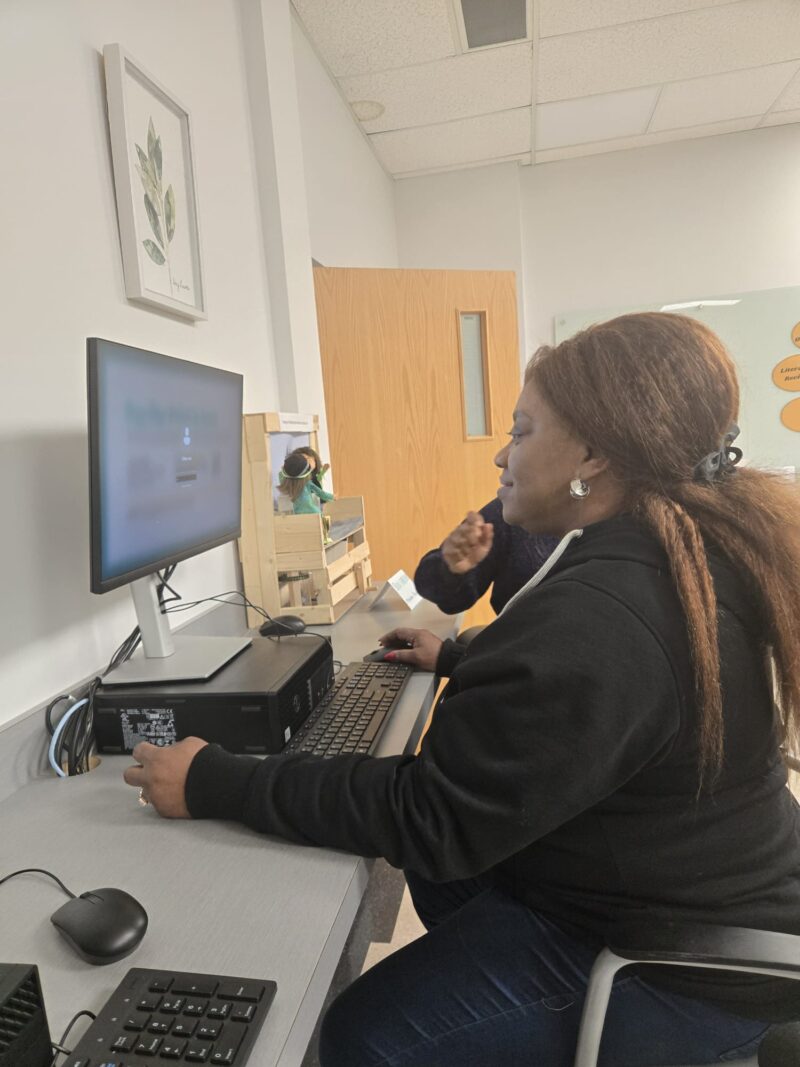
When it comes to supporting inclusive education in the British Columbia classroom, it is evidenced that digital technology plays a pivotal role. Nevertheless, technology is only powerful when it is capable of helping remove the barriers to learning and not when it is unintentionally creating new barriers.
In majority of the classrooms, students come with different learning needs, language backgrounds, and cognitive profiles. Thus, some of these students may require extra support in order to access information, mange classroom routines, or communicate ideas. This gap can be bridged by assistive technology because it offers tools that can allow students to meaningfully participate in learning activities.
Therefore, on this page, I offer explanation as to how teachers can make use of assistive technology and inclusive digital practices to provide support for different kinds of learners. In the same vein, I connect these strategies to Universal Design for Learning (UDL) principles, especially as they are widely recognized in the British Columbia’s policies for inclusive education.
The overall essence of this page is to provide teachers with assistance, beyond the normal adoption of digital tools, in designing learning environments where every student will be able to access opportunities to succeed.
Learning Outcomes
It is expected that by the end of this page, teachers should be able to:
- Identify assistive technologies that are commonly used in BC classrooms.
- Apply inclusive digital strategies that support diverse learners.
- Modify technology-integrated lessons for neurodiverse students.
- Adapt digital activities to support multilingual learners.
- Design learning experiences that reduce barriers and increase participation.
The importance of these outcomes can be found in the fact that they support the British Columbia’s commitment for an inclusive education and the ability of all students to have equitable access to learning opportunities.
What Is Assistive Technology?
In a nutshell, assistive technologies are the digital applications and tools that help students to overcome learning barriers. They are those technologies considered particularly relevant for students with neurodevelopmental differences, learning disabilities, physical challenges, or language barriers. On a more important note, assistive technology is seen as a special add-on that is only used when the need arises. For many of the students, these tools provide the right support that allows them to access curriculum in meaningful ways. In the context of British Columbia’s classrooms, assistive technologies are increasingly being made part of the everyday learning environment, especially given the high availability of laptops, tablets, and other learning platforms hosted over the cloud.
Common Examples of Assistive Technology
Text-to-Speech Tools
Text-to-speech technology are those that read out digital texts to the students. The importance of this tool is more pronounced in students that experience difficult with decoding, reading fluency, and visual processing. The benefits of this technology include:
- Provides support for students with dyslexia
- Reduces reading fatigue
- Enables students to focus on comprehension rather than decoding
As at today, many of the digital platforms obtainable in BC schools have already integrated text-to-speech functionality.
Speech-to-Text Software
Speech-to-text tools are those that convert language into written texts. This is a valuable tool for the students that consider writing to be physically demanding or cognitively overwhelming. Basically, it provides support for the learners that have dysgraphia, motor difficulties, or executive functioning challenges. The benefits of this tool include:
- It can dictate essay or assignment to students.
- It can record verbal ideas.
- Reduce frustration associated with handwriting or typing
Captioning Platforms
Captioning tools are used to add text subtitles to digital presentations and videos. They provide support for students with hearing impairments, students who benefit from reading while listening, and multilingual learners that are enhancing their proficiency in English. On the same note, captioning is also used to enhance comprehension for all learners, especially when they are handling lessons that are complex or loaded with information.
Visual Schedule Applications
Visual schedule applications provide users with a structured representation of their daily tasks, routines, and learning steps. This is a useful tool especially for students that benefit from predictable routines, students with autism spectrum conditions, and learnings that are experiencing difficulty with transitioning between activities. The importance of this type of tools is that they can help increase independence, reduce anxiety, and provide support for time management.
Applying Universal Design for Learning
Generally, assistive technologies are most effective when they a re combined with Universal Design for Learning (UDL) principles. In a nutshell, UDL is a structured framework that is used to encourage teachers to design lessons in anticipation of variability among learners from the very beginning, instead of attempting to make adjustments after seeing the barriers.
In the context of British Columbia, the UDL is closely aligned with inclusive education because it helps teachers to design digital lessons that provide support for diverse leaners. There are three core principles that guide UDL as discussed below.
Multiple Means of Representation
It allows students to learn in different ways, as some might be processing information best through texts while others might be processing information through auditory or visual formats. For the teachers, they can support multiple forms of representation by:
- Providing videos alongside written instructions.
- Including diagrams, infographics, and visual explanations
- Offering audio narrations for complex reading materials.
- Make translated resources available whenever posisble.
With the aid of digital platforms, one can easily represent the same concept in different ways, providing assistance to students when it comes to accessing information in ways that best work for each student.
Multiple Means of Engagement
Other areas where students differ are motivation and involvement. There are those that enjoy collaborative activities, while others might prefer independent exploration. Furthermore, some students might thrive with structural tasks, while others would prefer open-ended inquiry. Some of the digital engagement strategies that can be deployed by teachers include:
- Collaborative digital workspaces
- Discussion forums
- Interactive polls
- Multimedia storytelling
- Project-based digital research
The impact of providing different ways for students to engage is that it helps to make sure that students with different personalities, strengths, and learning preferences will be able to participate meaningfully in the learning process.
Multiple Means of Expression
Students should be able to access different ways to demonstrate their learning. Usually, the conventional methods of assessment heavily rely on writing, and this could come with a number of disadvantages for the students. What technology does is that it makes it posisble for students to express their understanding through:
- Recorded presentations
- Video explanations
- Multimedia projects
- Digital posters
- Infographics
- Podcasts
By expanding the ways students can express their knowledge, teachers will be creating more opportunities for equitable learning.
Case Study: Supporting Autistic Learners with Tablets in a BC Classroom
In order to further demonstrate inclusive digital learning practice, let us look at a situation from a British Columbia elementary school. A Grade 4 classroom introduced tablets to provide support for different students with autism spectrum conditions. The objective is to enhance organization, communication, and engagement in their learning activities.
What Worked Well
First is that different outcomes will be recorded. Students will be able to adopt visual schedule applications to better understand daily structures of their lessons and this will reduce anxiety in the course of transitioning between these activities. On the same note, Tables will offer improve communication supports as some students will be able to make use of apps that will enable them select images or symbols to express their ideas in the course of discussions.
In the same vein, interactive learning applications will help the students maintain their gaze (attention) during independent learning tasks. Teachers will be able to see that students that struggled to remain engaged in the past have now suddenly become active participants in the classroom.
Challenges Encountered
Notwithstanding these successes, they will be different challenges from the implementation process. This is because some of the students will be overly focused on certain applications, and this will make it difficult for them to transition back into other tasks. On the same note, the teachers might need extra time to learn how to effectively manage the technology within their lesson structure. Another challenge is about making sure that the technology continuously remains a learning support and not a distraction to the students.
Lessons Learned
From this experience, different lessons will emerge for the teachers. First, the teachers will be able to see that assistive technology works best when it is integrated into clear expectations and routines. On the second note, teachers will require continuous professional development in order to effectively use the digital tools. Finally, technology will be able to support broader instructional goals instead of just replacing meaningful teacher guidance. When the entire process is thoughtfully implemented, tablets will become powerful tools for enhancing participation in class and reducing barriers for students.
Activity: Adapting a Lesson for Inclusive Digital Learning
In order to implement the idea offered in this page, teachers are encouraged to modify their existing lessons with the aid of inclusive digital strategies. For teachers, they should choose one technology-integrated lesson they currently teach and consider how it could be made adaptable for different learners.
Scenario 1: A Student with Autism
Consider:
Providing a visual schedule for the lesson steps
Using visual supports alongside written instructions
Breaking tasks into smaller segments
Scenario 2: A Multilingual Learner
The teacher should reflect on ways to support multiple learning, such as:
Adding captioned videos
Providing vocabulary support tools
Including translated resources
Allowing audio responses instead of written responses
Scenario 3: A Student with Limited Device Access
The teacher should consider how to :
Provide offline learning materials
Offer printable versions of digital resources
Allow shared devices in collaborative groups
Extend classroom work time for digital tasks
After Completing This Page
Teachers should now be able to:
Integrate assistive technologies that support diverse learning needs.
Create inclusive digital environments that promote participation for all learners.
Apply Universal Design for Learning principles in digital lesson planning.
Adapt technology-enhanced lessons for neurodiverse students and multilingual learners.
As teachers continue with this learning resources, the focus of the next page will be on practical classroom strategies that can be used to maintain digital equity in everyday teaching practice. What these strategies will do is that they will help teachers to translate inclusive planning into equitable, consistent classroom experiences for every student.